Empower Your Business with Our Smart Solutions

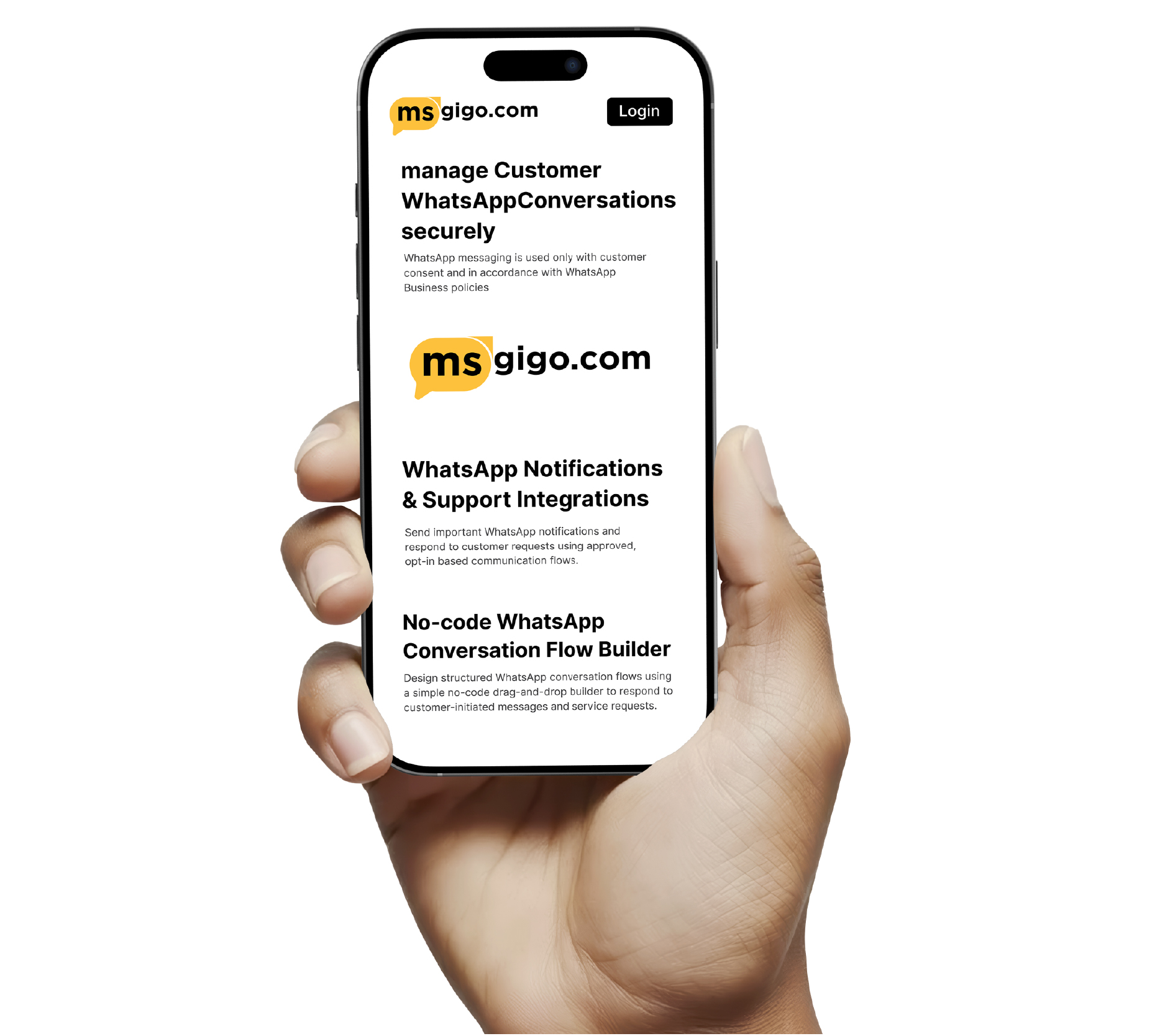
Manage Customer WhatsApp Conversations Securely

WhatsApp messaging is used only with customer consent and in accordance with WhatsApp Business policies.
Trusted by Leading Companies

Join thousands of satisfied clients who trust our platform for their business growth

Partner logo
Partner logo
Partner logo
Partner logo
Partner logo
Partner logo
Partner logo
Partner logo
Partner logo
Partner logo
Partner logo
Partner logo
Partner logo
Partner logo
Partner logo
Partner logo
Partner logo
Partner logo
Partner logo
Partner logo
Partner logo
Partner logo
Partner logo
Partner logo

Top companies trust our platform worldwide

Built for Compliant WhatsApp Business Communication

Designed to help businesses manage WhatsApp conversations responsibly, securely, and in line with WhatsApp Business policies.

  • Policy-aligned WhatsApp conversation handling designed for customer support and service communication.
  • Secure platform architecture to manage WhatsApp conversations and message history reliably.
  • Clear opt-in based messaging flows that respect customer consent and privacy.

Msgigo focuses on compliant WhatsApp usage by enabling customer-initiated conversations, controlled automation, and transparent communication workflows for support and service needs.

Centralized WhatsApp Conversation Management

Manage customer WhatsApp conversations, service requests, and message history from a single, secure platform.

  • Unified inbox to view and manage all customer WhatsApp conversations in one place.
  • Predefined message templates for responding to common customer questions and requests.
  • Structured workflows to handle customer support and service-related conversations.
  • Controlled automation designed to assist support teams while respecting user consent.
  • Conversation history and records to help teams deliver consistent customer support.

Msgigo helps businesses organize and respond to customer-initiated WhatsApp conversations efficiently, ensuring timely support and consistent communication.

No-code WhatsApp Conversation Flow Builder

Design structured WhatsApp conversation flows using a simple no-code drag-and-drop builder to respond to customer-initiated messages and service requests.

  • Respond automatically to customer-initiated WhatsApp messages for support and information requests.
  • Seamlessly transfer conversations to human agents whenever manual assistance is required.
  • Guide customers through predefined conversation flows based on their inputs and requests.
  • Ensure timely responses on WhatsApp while respecting user consent and WhatsApp Business policies.

Build compliant WhatsApp conversation flows for customer support, service updates, and information sharing — without writing a single line of code.

WhatsApp Notifications & Support Integrations

Send important WhatsApp notifications and respond to customer requests using approved, opt-in based communication flows.

  • Send transactional and service-related WhatsApp notifications triggered by customer actions and requests.
  • Provide automated responses for frequently asked customer questions within approved WhatsApp use cases.
  • Use a shared knowledge base to assist support teams in responding accurately and consistently.
  • Ensure all WhatsApp communication follows user opt-in requirements and WhatsApp Business policies.

Integrate WhatsApp with your business systems to send service-related notifications and respond to customer inquiries in a compliant and user-consented manner.

No testimonials available

Default Faq Title

Default Faq SubTitle

You can upgrade your plan from your billing dashboard. Navigate to Subscriptions > Upgrade and select your desired higher-tier plan. The upgrade will be prorated, meaning you'll only pay the difference for the remaining billing period. Payment is required immediately to activate the upgrade.

To downgrade, go to Subscriptions > Downgrade and choose a lower-tier plan. Downgrades are processed immediately, and any credit from the price difference will be applied to your account for future billing cycles.

Your billing cycle depends on your plan's billing period (monthly or yearly). The cycle starts from your subscription activation date and renews automatically unless you've disabled auto-renewal. You can view your next billing date in your subscription dashboard.

Auto-billing occurs 1 day after your current period ends. For example, if your subscription expires on January 15th, auto-billing will attempt on January 16th. This grace period ensures uninterrupted service.

If auto-billing fails, you'll receive notifications and have a grace period to update your payment method. Failed payments are logged in your transaction history, and you can manually retry payment from your billing dashboard.